Urbisage Care

Carry less. Care more.

An AI care diary and health-records assistant for anyone looking after their own health or a family member's, from a newborn to a grandparent. Talk, type or scan, in your own language, and keep every log, report and prescription in one private place.

  • 30-day free trial
  • Ten Indian languages
  • Kept safely in India

Accounts are for adults (18+). The person you care for can be any age.

People and scenes in this film were created using AI. App screens are recordings of the app with sample data. The narrator's voice is synthetic.
Read the film's narration

Caring for a loved one's health means keeping track of so much.

Reports. Prescriptions. Notebook pages.

Now, just talk, in your own language.

It listens. It writes. You have the final say.

Or type it.

Or scan it. Even handwriting.

Urbisage Care reads it all, summarises it in simple words, and files it.

Lose the paper, not the record. Safe in your account, ready to reprint.

In ten Indian languages.

Because every voice matters.

Ask a question. The answer is based on your own records.

Spot the pattern over time, not just one reading.

Going to the doctor?

Walk in prepared. Send a clear report to yourself, your family or your doctor.

Private. Kept safely in India. Encrypted, and always yours.

Urbisage Care. Carry less. Care more.
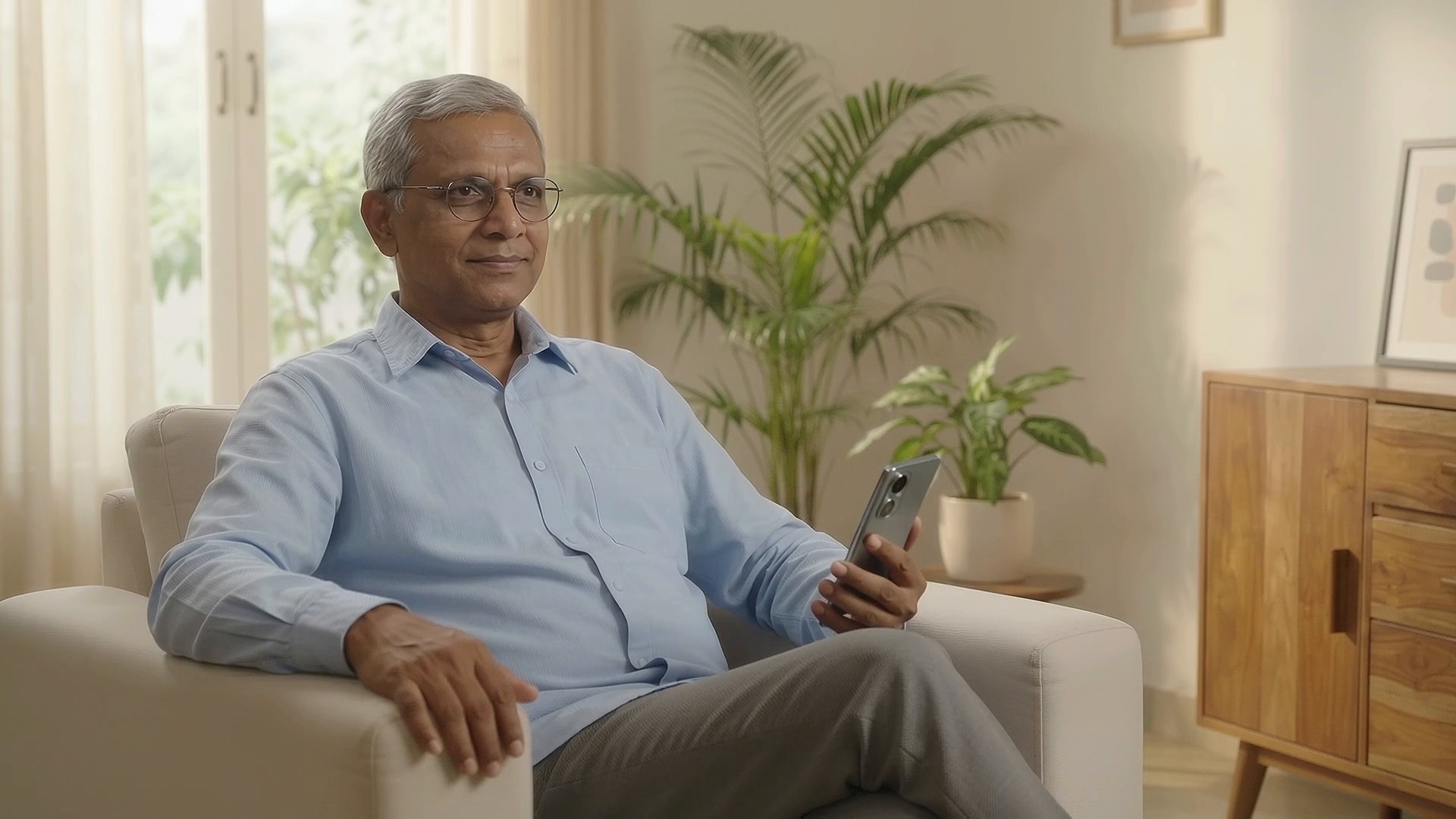
For the one who keeps track of everything.

A parent's prescriptions, a baby's feeds, your own reports. Urbisage Care keeps it together, so you can carry less.

Talk, type or scan

It listens. It writes. You have the final say.

Say "Dad's blood pressure this morning was 120/80", or type it. Urbisage Care prepares the log for you to check, and nothing is saved until you confirm.

  • Speak or type, in your own language
  • Vitals, growth, feeds and blood-test values
  • Review and edit before you save
Sample data

Documents and handwriting

Reads it all. Summarises it in simple words. Files it.

Long, heavy documents become easy to follow. Scan or upload a prescription, a lab report or a discharge summary, and Urbisage Care summarises the whole document in simple words, then splits it into clear sections you can open one by one, with key values and medicines picked out.

  • Handwritten notebook pages become entries you review before saving
  • Saved documents stay available offline
  • Safe in your account, ready to reprint
Sample data

Ask your records

Ask a question. The answer is based on your own records.

Ask by voice or text. The answer appears on screen and is spoken back to you, in your language.

  • Answers appear on screen and are spoken back to you
  • Works in ten Indian languages
Sample data

Reports

Walk in prepared.

Make a clear report for today, the last week, month or three months, or any date range you choose. Email it to up to five people, such as yourself, your family or your doctor.

  • Trends for feeds, weight, mood and more
  • A clear report, ready before the visit
Sample data

In your language

Because every voice matters.

Speak and read in the language you are most comfortable with. Urbisage Care works in ten Indian languages.

  • English
  • हिन्दी
  • বাংলা
  • தமிழ்
  • తెలుగు
  • मराठी
  • ગુજરાતી
  • ಕನ್ನಡ
  • മലയാളം
  • ਪੰਜਾਬੀ
Sample data

Private. Kept safely in India. Encrypted, and always yours.

  • One-time-code sign-in. No password to create or remember.

  • App lock. Open the app with your fingerprint, face or device PIN.

  • Screen capture blocked. Screenshots and screen recording are blocked on sensitive screens.

  • Voice recordings are not kept.

  • Your account, your choice. You can delete your account from the app.

Try it free for 30 days.

After the trial, continue with a monthly or yearly plan, billed through Google Play or the App Store. You will see the price in your store before you subscribe.

Questions, answered

What is Urbisage Care?

Urbisage Care is a care diary on your phone. It helps you keep a daily record of the care you give to a patient at home, such as a baby, an elderly parent, or yourself.

You do not fill in any forms. Just type or speak what happened, in your own words and your own language, the way you would tell a nurse or a family member. For example: "Gave 120 ml milk at 3 pm". The app shows you what it understood, and saves it only when you agree.

With Urbisage Care, you can also:

  • Keep medical papers in one place: prescriptions, lab reports and discharge papers. The app reads and sorts them, so you can find things quickly.
  • See changes over time: charts of feeds, weight, mood and more, in Trends.
  • Send a report to the doctor or to family before a visit, so you do not have to remember everything.
  • Ask questions by voice, for example "When did she last eat?"
Does Urbisage Care give medical advice?

No. Urbisage Care is not a doctor and not a medical device. It helps you keep records. It does not find illnesses, give treatment or prescribe medicines.

Some features give general suggestions:

  • Emergency Help gives suggestions based on what you describe and on the patient's recent records.
  • The voice assistant answers questions about what you have recorded.

These suggestions come from AI, a computer program, and can be wrong. Use them to prepare questions for your doctor, never in place of your doctor. Always ask a doctor before making a decision about someone's health.

In an emergency, call your local emergency services or go to the nearest hospital at once. Do not wait for the app.

Who can use Urbisage Care?

Anyone aged 18 or above. Most people use it to look after someone in the family, for example:

  • a baby or a young child,
  • an elderly mother or father,
  • a husband, wife or another relative, or
  • yourself, to keep track of your own health.

If you record care for someone else, you should be their parent, their legal guardian, or a caregiver who has been given permission to look after them. When you accept the Terms & Conditions at sign-up, you confirm that you are 18 or above.

When you set up the app, you enter your name, how you are related to the patient, and the patient's name and date of birth. If the app is for your own health, choose Self. We ask only for the patient's date of birth.

Can I use one account for more than one patient?

No. One account is for one patient: the person you set up when you joined. All logs, documents, reports, charts and Emergency Help records in that account belong to that patient.

If you look after more than one person, for example twins, or your mother and your father:

  • make a separate account for each person,
  • use a different mobile number or email address for each account, and
  • use a separate subscription for each account. A subscription belongs to the Apple ID or Google account that bought it, so for each new account sign in to the store with a different Apple ID or Google account, or use a different phone.

This keeps each person's records apart, so a report you send to one doctor never shows another person's details. The app also does not save notes that are clearly about someone other than the patient, so the record stays correct.

Which languages can I use?

Urbisage Care works in 10 languages: English, Hindi, Bengali, Tamil, Telugu, Marathi, Gujarati, Kannada, Malayalam and Punjabi.

In your language, you can:

  • read all the app screens,
  • type or speak your care logs,
  • talk to the voice assistant and hear its replies, and
  • read these FAQs, the Terms & Conditions and the Privacy Policy.

You can change the language at any time under Profile > Account > Language.

Note: Medical records are not translated. Documents you add stay in the language they were written in and are shown exactly as they are, so they always match what your doctor or hospital issued.

Does the app work without internet?

Partly. Most features need internet, but some work offline.

Without internet, you can:

  • open documents you saved with Save Offline,
  • see their sections in Find Sections, and
  • add new documents. They are kept on your phone and upload by themselves when internet is back.

You need internet to:

  • add or change logs,
  • use the voice assistant,
  • import notebook pages,
  • send reports and charts by email,
  • change report recipients, and
  • contact support.

Before going to a place with weak signal, open the documents you may need and tap Save Offline.

How do I delete my account?
  • Go to Profile > Delete Account and tap Continue.
  • Tick the box to confirm.
  • Type DELETE.
  • Tap Delete Account.

You will be signed out on all your phones.

If you change your mind: your data is kept for 30 days. Sign in with the same mobile number or email address within that time and tap Restore & Sign In. After 30 days, everything is deleted for ever and cannot be brought back.

Deleting your account does not stop your subscription payments. Please cancel the subscription in the store.

Questions? Write to support-care@urbisage.io. Support and complaint contacts are on the contact page.

Carry less. Care more.

Coming soon to Google Play and the App Store.

Start with a 30-day free trial.

More from Urbisage

Urbisage Technologies builds AI-powered platforms for government, enterprise and commercial sectors. Urbisage Care is one of them.

Citizen Engagement

Helping government departments and the people they serve stay connected — dependably, inclusively, and in the language each citizen is most comfortable with.

Talk to us

All platforms

Urbisage Care helps you organise your own health information. It is not a medical device and does not provide medical advice or diagnosis. Private and hosted in India.